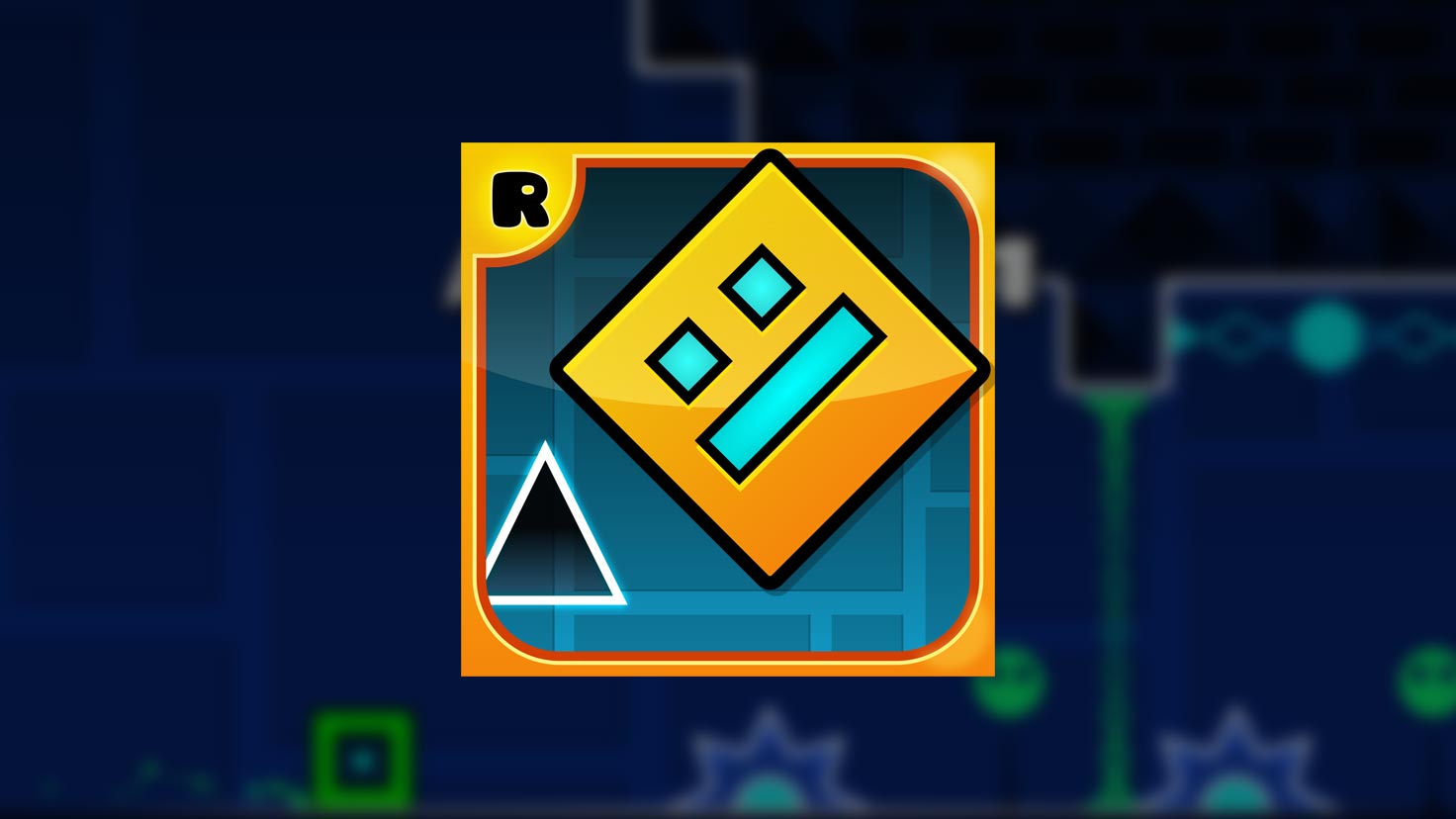
 Image: Geometry Dash (Wikipedia)
Author: VANAS
How to Make a Video Game like Geometry Dash
Geometry Dash is a brilliant example of how tight mechanics, audio-driven pacing, and minimal controls can produce deep and addictive gameplay. This article is a practical blueprint for building a game inspired by Geometry Dash: one-button controls, constant forward motion, beat-synced obstacles, fast restarts, and an emphasis on level design and feel.
We’ll cover core mechanics, prototyping, audio synchronization, level design, tools, and polishing steps so you can ship a satisfying vertical-slice of your own rhythm platformer.
Start with the core loop
At its heart, Geometry Dash is built around a simple loop: start a level, listen to the music, time your single control to avoid hazards, and restart instantly on failure. To recreate that loop, implement these minimal systems first:
- Auto-forward movement: the player moves at a constant horizontal speed.
- One primary input: a tap/jump that can also control short hops, holds (for longer jumps), or toggled states like flying.
- Instant death and restart: collisions reset you to the last checkpoint or start with minimal delay.
- Level-as-timeline: obstacles are positioned relative to the song’s timeline rather than purely by distance.
Ship a prototype with just those elements before adding variety. If the core loop feels good, players will forgive simpler visuals.
Choose the right tech stack
Pick a game engine that lets you iterate quickly:
- Unity (C#): great 2D support, mature audio tools, and easy build pipelines for PC, web (WebGL), and mobile.
- Godot (GDScript/C#): lightweight, expressive, and excellent for small 2D projects.
- Construct / GameMaker: fast visual editors for designers who prefer less code.
Use simple tools for assets: vector shapes or pixel art made in Aseprite, and a DAW like Audacity, Reaper or FL Studio for music and SFX.
Rapid prototyping: feel beats features
Prototyping should be about feel, not completeness. Build a single short level that demonstrates the timing and restart flow:
- Implement player movement with tuned gravity, jump impulse, and optional hold-for-longer-jump behavior.
- Add obstacles (spikes, blocks) with precise colliders.
- Wire up immediate death and a quick respawn (no long animation or loading screens).
- Integrate music playback and drive the level timeline off the song’s time.
Tune parameters constantly: gravity, jump height, forward speed, and collider sizes. Play until the jump genuinely feels precise — that’s the difference between a good and a great rhythm platformer.
Time-based level logic and beat sync
Accurate synchronization between audio and obstacles is the emotional core of a Geometry Dash–style game.
- Use audio time as the authoritative clock. Read the song’s playback position (seconds or samples) and compute obstacle positions from that value to ensure deterministic playback across frame drops.
- Start by manually mapping obstacles to beats: open your track in a simple audio editor, mark beat timestamps, and place obstacles at those times.
- Build or expose a simple timeline editor so you can drag obstacle markers across the song waveform. This editor is invaluable for level designers.
- For more automation, implement a beat detection step to suggest beat timestamps, then hand-tune them for musicality.
Deterministic replay (where the level plays the same given the same inputs) helps debugging and speedrunning features.
Controls, physics, and fairness
Controls must be responsive and forgiving in specific, predictable ways:
- Input sampling: read input events every frame and apply jumps on the next physics step to avoid dropped frames.
- Coyote time: allow a very short window (a few frames) after leaving a platform where the player can still jump — this makes inputs feel fair without changing skill ceilings.
- Input buffering: accept early taps that are about to land and trigger a jump as soon as landing occurs.
- Precise colliders: narrow, well-aligned colliders reduce frustrating deaths caused by artwork misalignment.
These small quality-of-life tweaks dramatically improve perceived fairness and player retention.
Level design and pacing
Great levels teach through patterns. Use the music as a structure and design sections with clear teach/extend/master progression:
- Teach: open with a slow, forgiving section that introduces the basic jump rhythm.
- Extend: add small variations and new hazards while keeping the player in a state of learning.
- Master: combine obstacles and speed up the tempo for climactic runs.
Design tips:
- Repetition with variation builds muscle memory. Repeat a motif twice with slight changes the third time.
- Use visual cues (pulsing platforms, color shifts, background beats) to telegraph difficult sequences.
- Pace difficulty within a long level by returning to simpler patterns to prevent fatigue.
Building a level editor and community content
One of Geometry Dash’s strengths is user-generated levels. If you want longevity, plan for creators early:
- Save levels as compact JSON with timestamps, obstacle types, and metadata (author, difficulty, music reference).
- Create an in-game timeline editor that previews the audio waveform and lets users place objects by timestamp.
- Add simple sharing options (export/import JSON) before building online upload infrastructure.
Moderation and versioning are necessary eventually, but you can start simple and add a cloud service later.
Art, audio, and polish
Visual clarity over visual complexity. Use bold shapes, high-contrast hazards, and subtle parallax to keep focus on gameplay. Polishing touches that increase engagement:
- Particles and screen shake on death and success (sparingly).
- Beat-synced UI elements (pulsing progress bar or background glow).
- Crisp SFX for jumps, landings, and collisions mixed under the music so audio cues aren’t lost.
Performance: use sprite atlases and batch draws to keep WebGL and mobile builds smooth.
Playtesting and telemetry
Playtest constantly and watch where players fail. Simple telemetry helps you find unfair sections:
- Track death heatmaps (time offsets in the song where players die most).
- Track restart counts per level and where players quit.
Use this data to smooth spikes in difficulty, add clearer telegraphing, or tweak physics. Watch different skill levels play — what feels fair to an expert might be punishing for a newcomer.
Release strategy and platforms
Start with a web or PC build for rapid iteration. Web (HTML5/WebGL) lets players try levels instantly. After stabilizing, port to mobile with touch tuning and performance checks. Release ideas:
- Free demo levels with a paid full game.
- Cosmetic or level packs as DLC.
- Community events and level contests to keep players engaged.
Final checklist
- Prototype core loop and feel.
- Implement time-based timeline and audio sync.
- Tune controls with coyote time and input buffering.
- Build a basic level editor and save format.
- Polish visuals and audio; optimize for target platforms.
- Add telemetry and iterate on problem sections.
Happy building a tight, musical platformer is an excellent project for learning game feel, rhythm programming, and level design. Ship a small vertical slice, iterate with players, and keep the focus on timing and feedback.